
Space is the area on and around which the objects are placed in a drawing.
Positive Space is the space occupied by the object of interest (the main object of drawing).
Negative Space is the space around the positive space, or in other words the space not occupied by the main object of interest.
There are various ways to create an illusion of space in your drawing:
- Overlap
Overlapping means that an object in front can partially cover another object that is at the back.
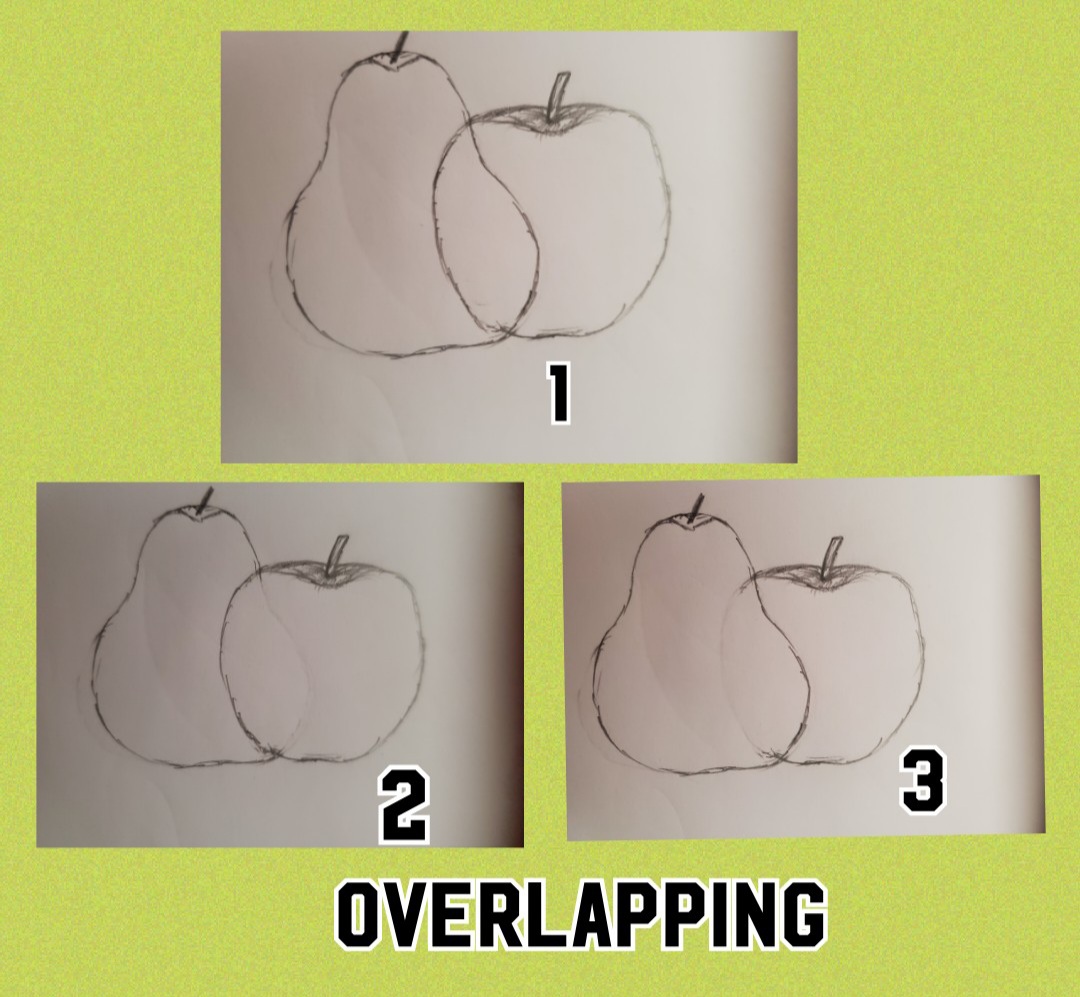
In the figure figure 1 you can see an apple and pear to be overlapping each other. In figure , when you erase the overlapping part of the pear, it looks like the apple is in front, whereas in figure 3 when you erase the overlapping part of the apple, it looks like the pear is in front of the apple.
- Size
The size of an object that is smaller appears to be farther away compared to an object that is bigger.

The fruit that is smallest automatically looks farther away.
- Value
The value or color of an object that is farther should typically have lighter color

The mountains colored with lighter value appears to be farther away
- Detail
When an object is far off, the details on it are not as clear as an object that is closer
- Placement on paper
When an object is placed higher on a plane it will appear to be further away.
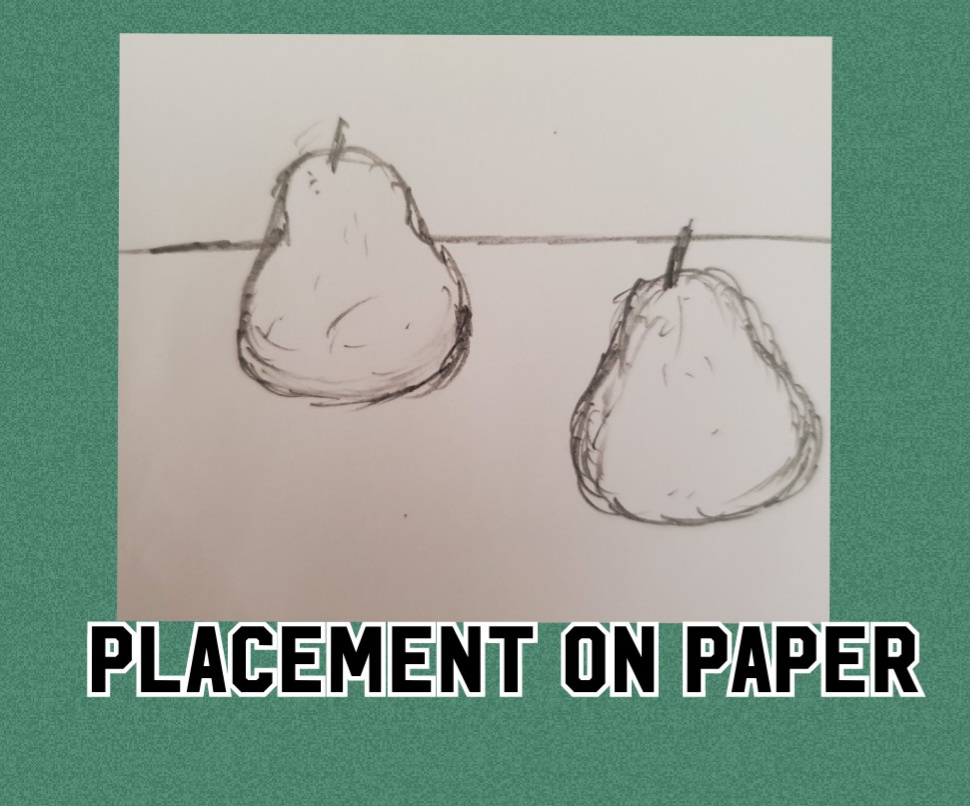
The fruit placed on the horizon line looks farther than the one which is placed below the horizon line.
 CREATIVE ARTS